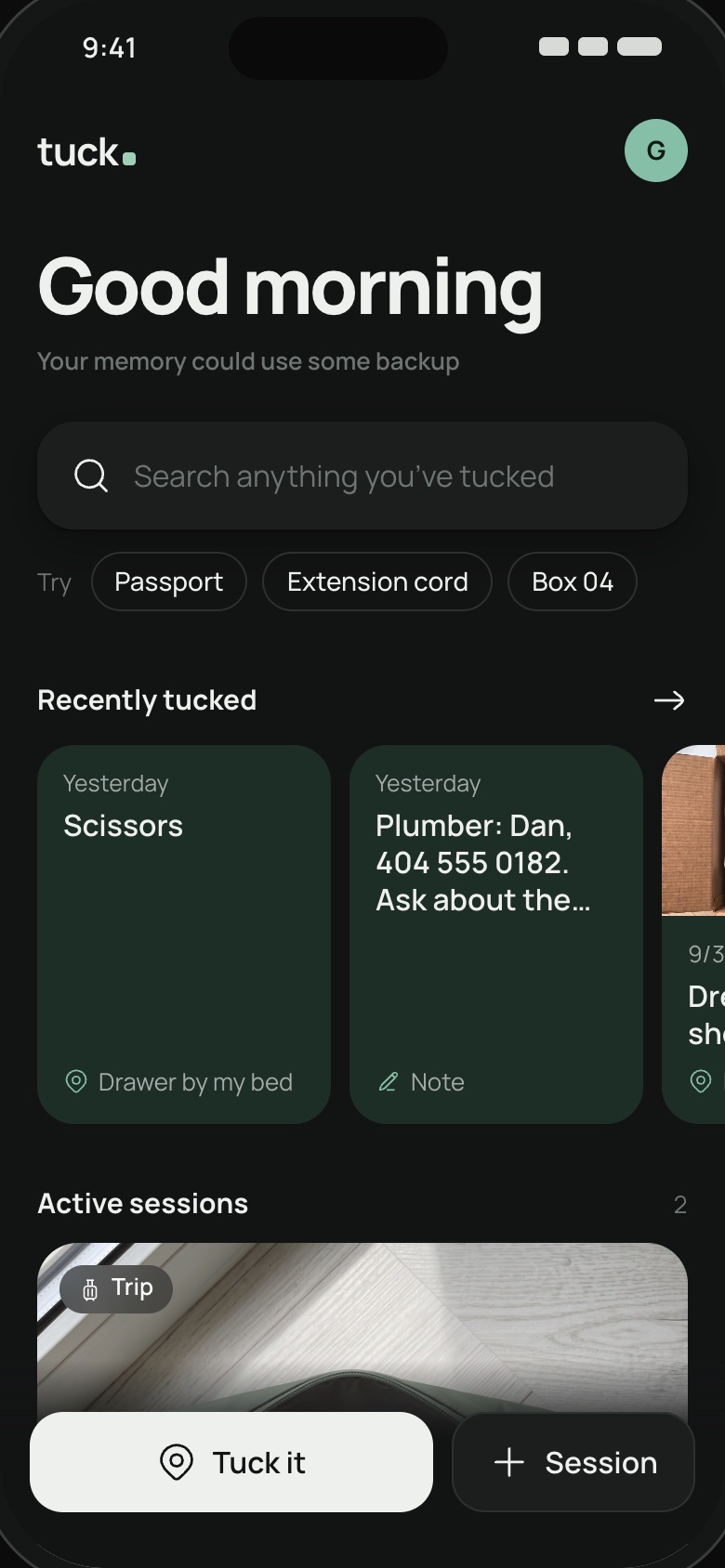
Things
The scissors, the spare key, the passport.
Save what it is, where you put it, and a photo if useful.
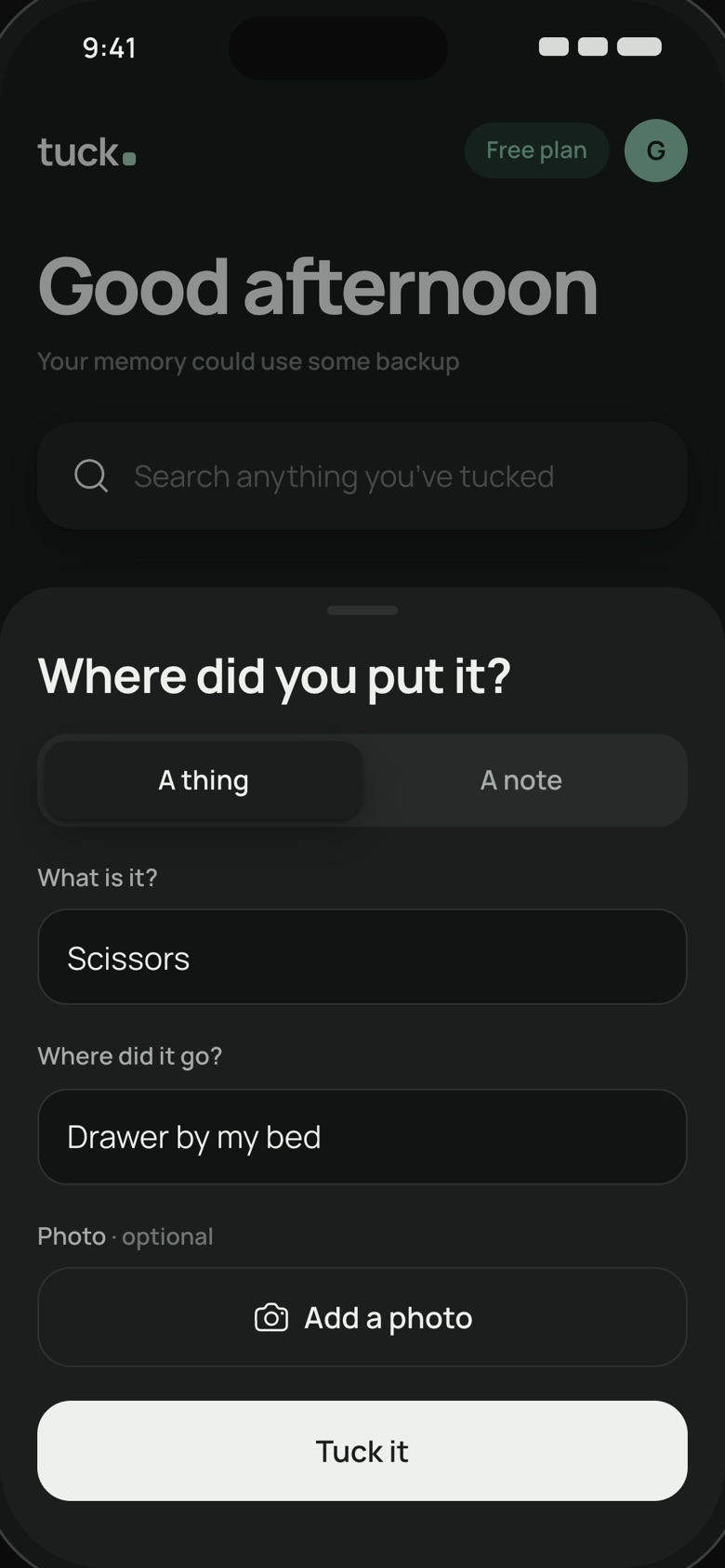
Meet Tuck.
Tuck is an app for remembering where things went. Save an item and its place, add a photo if you like, then search for it later.
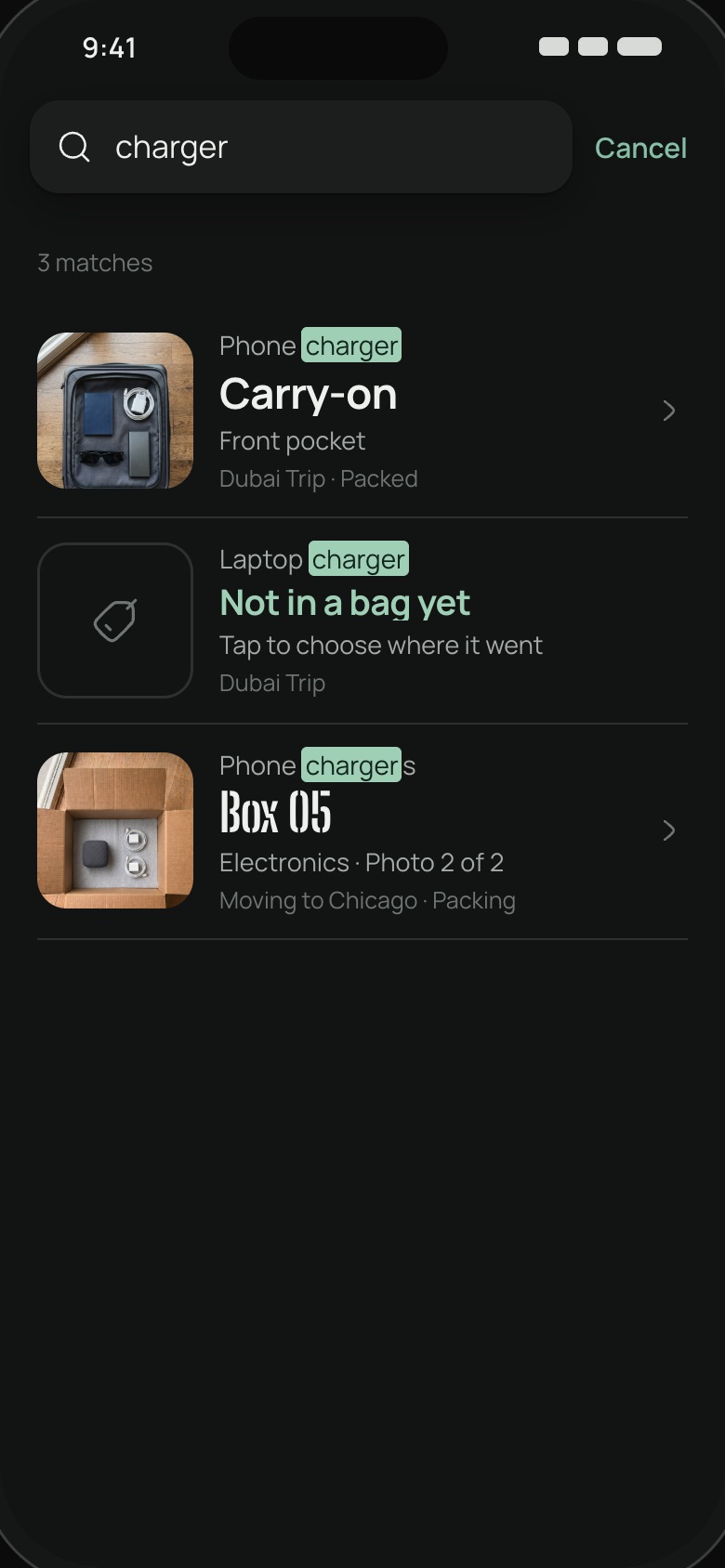
Search
Search a word, a place or a note. Tuck shows you the photo and the exact drawer, bag or box.
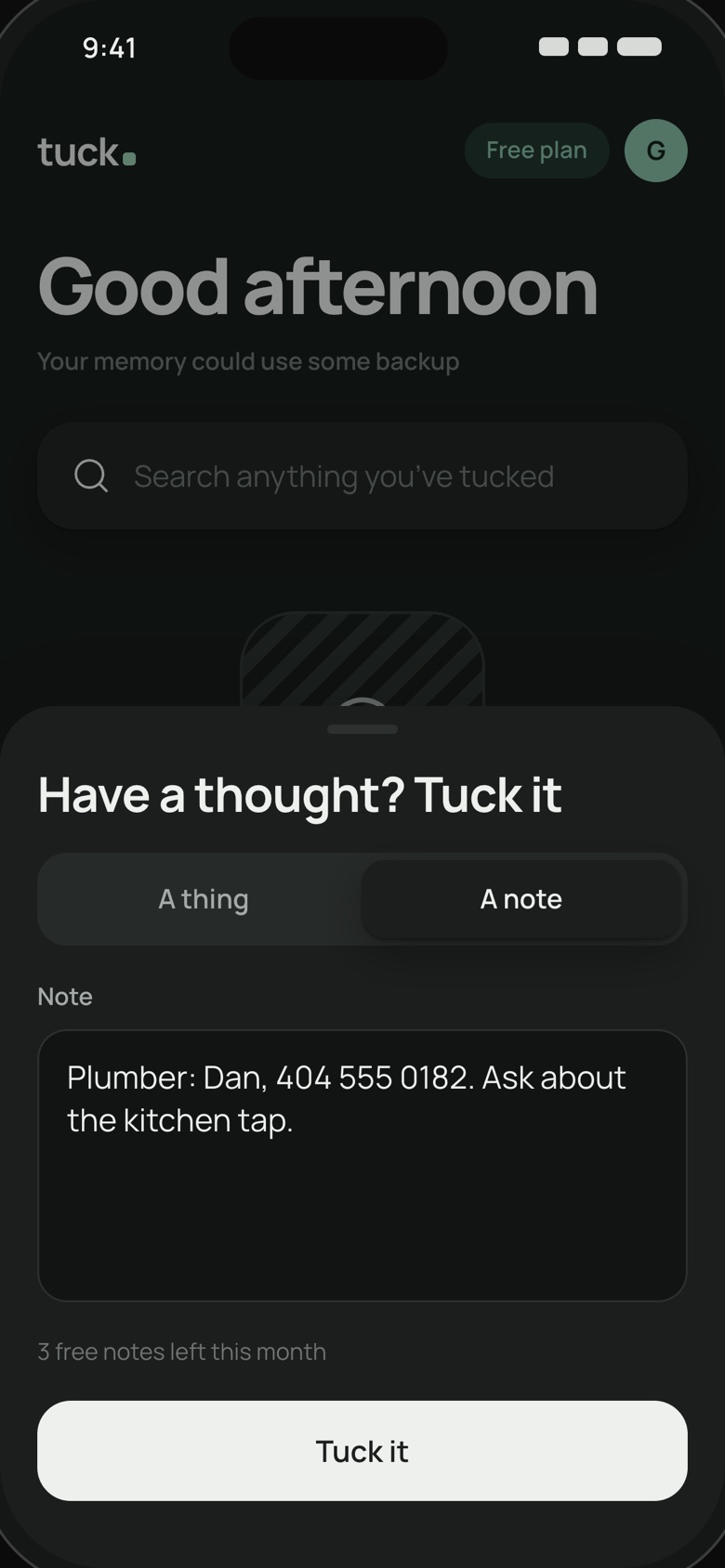
Tuck it
Say what it is and where it went. Add a photo if it helps. Tuck remembers the rest.
Save what it is, where you put it, and a photo if useful.
Save a gate code, a phone number or a thought. Search for it later.
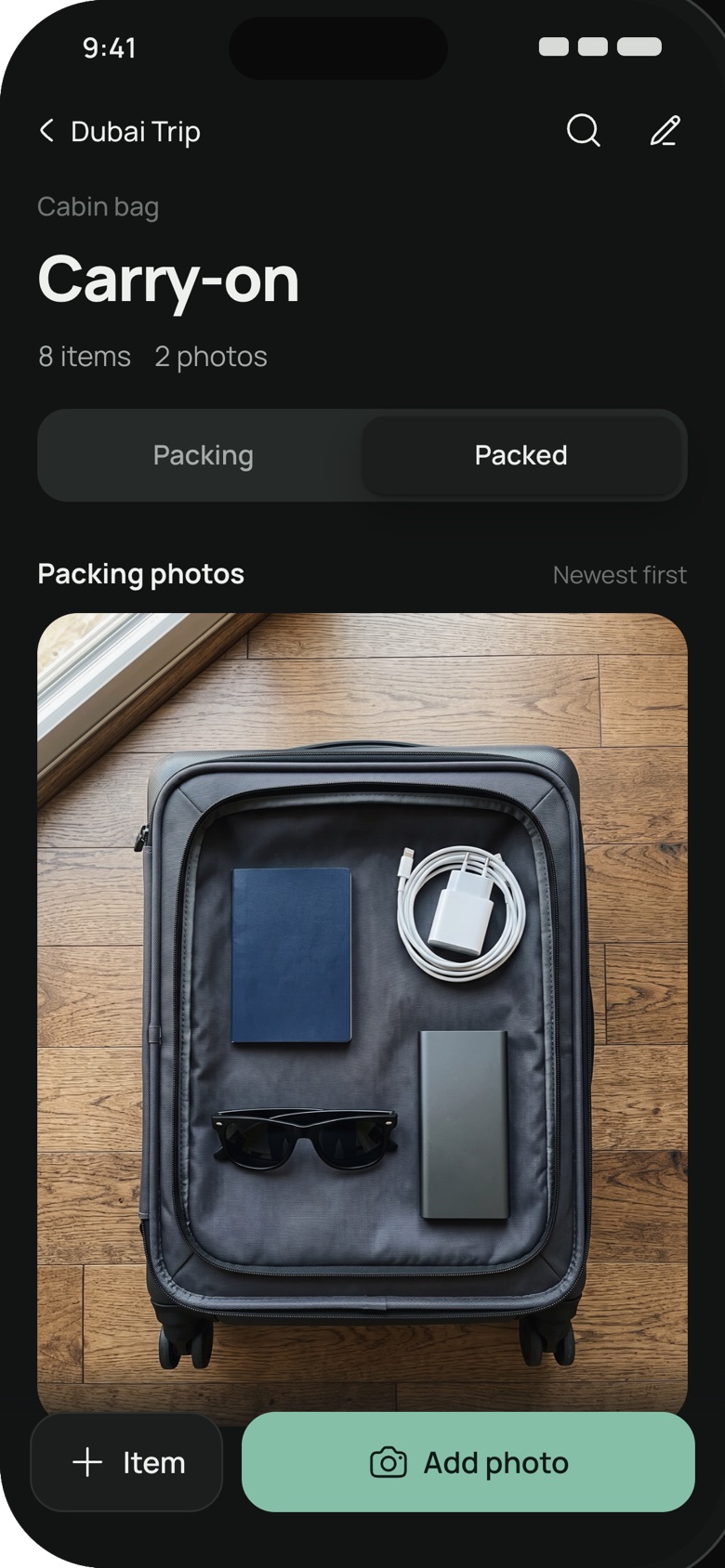
Photograph what you pack, tag important items and track each bag or box.
 1
1Save a thing, a note or what you packed, with a photo if it helps.
 2
2Tuck keeps the details on your device so you don’t have to hold them in your head.
 3
3Find what you saved by its name, location or a word in your note.
Private by default
No account needed. Your tucks stay on your device, not on our servers, and you can back them up whenever you like.
Read the privacy policy ›Tuck is in private beta. You can use its core features now, and we’re refining them with early testers. Back up your tucks regularly while we build.
Request an invite at the bottom of this page. We’re letting people in a few at a time and will email you when there’s a spot.
Yes. You can tuck things, save notes, track bags and boxes, and search during the private beta.
No. Just open Tuck and start tucking.
On your device. Nothing is uploaded unless you choose to share or export it.
Open your profile, then tap “Back up your tucks” to save a file. Use “Restore from a backup” to bring them back.
Yes. Add photos and item tags to a box, then open it in Tuck to see what you saved.
The iPhone app is in private testing. For now, use Tuck in Safari. To keep it handy, tap Share, then Add to Home Screen.

Tuck is in private testing. Request an invite and we’ll email you when there’s a spot.
Thanks for asking. We’ll email you when there’s a spot in the beta.